English for Kids - Basic Words - User Guide
Welcome. Thank you for using the app.
The app offers two core pathways: Learn and Practice. The topic layout is optimized to display 4 topics per screen on iPad and 2 topics per screen on iPhone.
Getting Started & Topic Selection
- Launch the app to access the Home screen.
- Select your preferred mode: Learn or Practice.
- Learn: Discover new vocabulary with flashcards.
- Practice: Test knowledge across 4 mini-games.
- Browse and tap on any topic to begin.
Learn Mode
- Navigate: Swipe left or right to move between flashcards.
- Audio Playback: American English audio plays automatically when a card appears.
- Replay Audio: Tap directly on the word or the picture to hear the pronunciation again.
Practice Mode
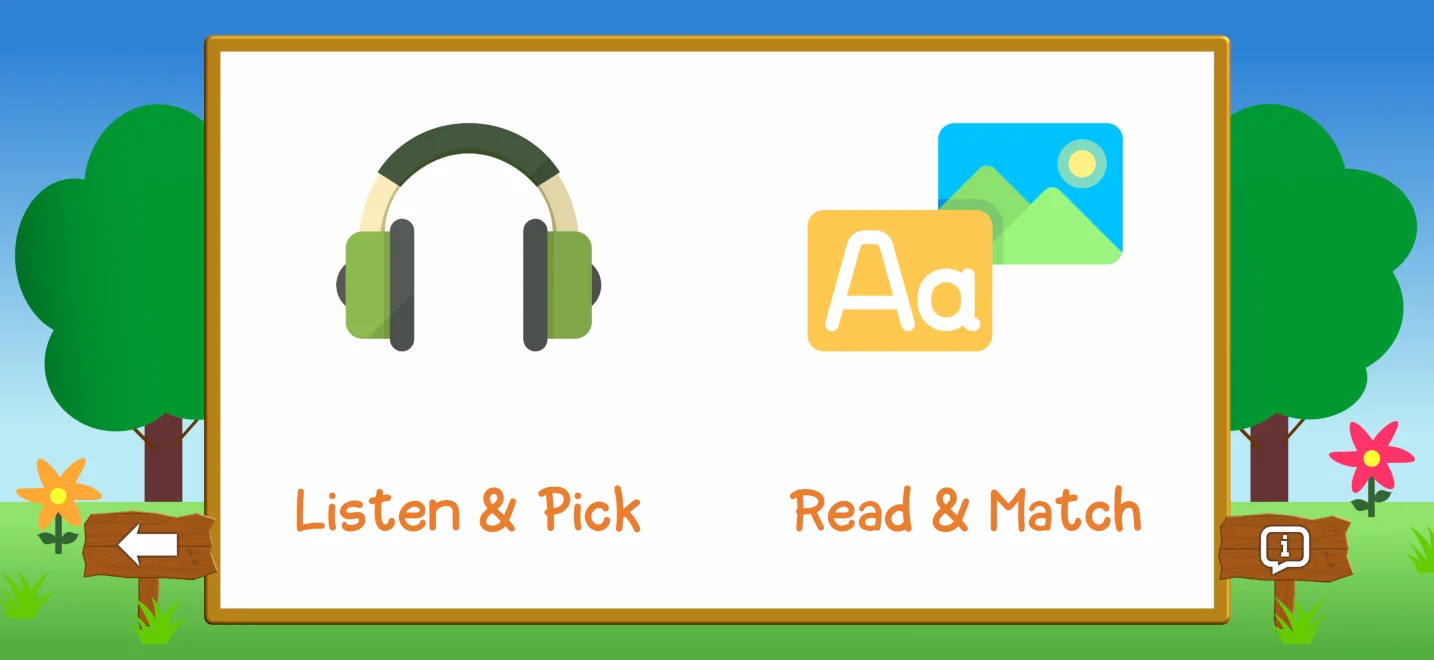
After selecting a topic in Practice mode, choose one of the 4 mini-games:
-
Listen & Pick:
- Listen to the spoken word.
- Tap the correct image (4 options on iPad, 2 on iPhone).
- Tap the Speaker icon in the top-right corner to replay the audio.
-
Read & Match:
- Read the displayed English word.
- Tap the matching picture from the 3 choices provided.
-
Picture Quiz:
- Look at the featured picture.
- Select the correct word from the 3 options below.
-
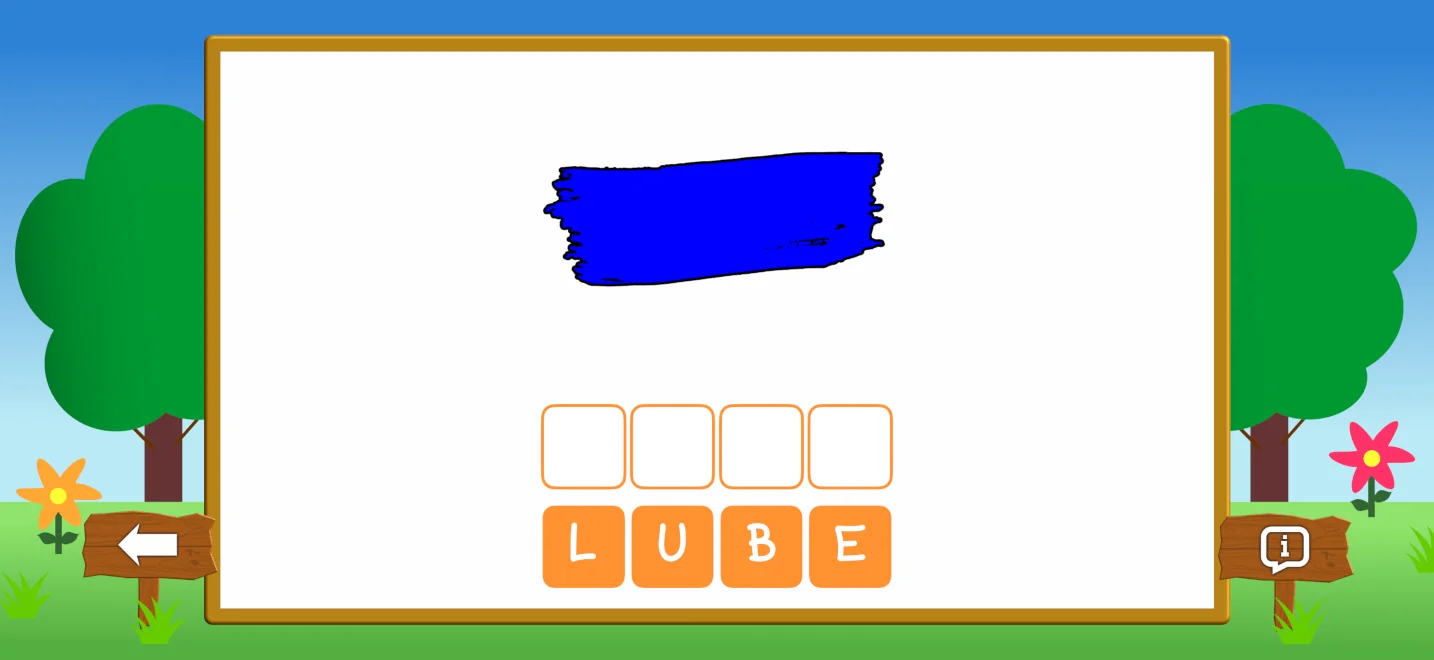
Word Builder:
- Look at the picture and the empty letter slots.
- Tap the scrambled letters in the correct order to spell the word.
- Undo a letter: Tap any letter inside the slot to return it to the bottom bank.
Note: Selecting Practice in the Alphabet topic takes you directly to the Listen & Pick game.
System Requirements
Version 1.1.0 requires iOS/iPadOS 17.6 or later.
Versions 1.0.0, 1.0.1, and 1.0.2 require iOS/iPadOS 12.0 or later.
Version History
iOS/iPadOS
1.1.0
- September 14, 2026- Added 3 practice games to stimulate thinking and boost memory retention.
- Rebuilt with SwiftUI for a more modern and responsive interface.
- Added new features, optimized performance, and fixed minor bugs.
1.0.2
- May 22, 2024- Minor bug fixes.
1.0.1
- April 13, 2020- Add more subjects and vocabularies
- Minor bug fixes & Improvements.
1.0.0
- April 9, 2020- First released on the App Store.
Android
1.0.0
- October 7, 2026- First released on the Google Play Store.
Credits
Images
Images are provided by creators on Pixabay and used under the Pixabay Content License (free for commercial and non-commercial use). Special thanks to all contributing authors.
Font
Dinomouse Font made by grove.
Audio
CARTOON-BING-LOW.wav by kantouth -- https://freesound.org/s/106727/ -- License: Attribution 4.0.
correct.wav by StavSounds -- https://freesound.org/s/546084/ -- License: Creative Commons 0.
Icons
Headphone SVG Vector by Flat Icon Design in PD License via SVG Repo.
Image Photo SVG Vector by SVG Repo in CC0 License.
Third-Party Libraries
SQLite.swift by stephencelis - Licensed under the MIT License.